What sits inside an infostealer record, what each field tells you and in what order to triage it.
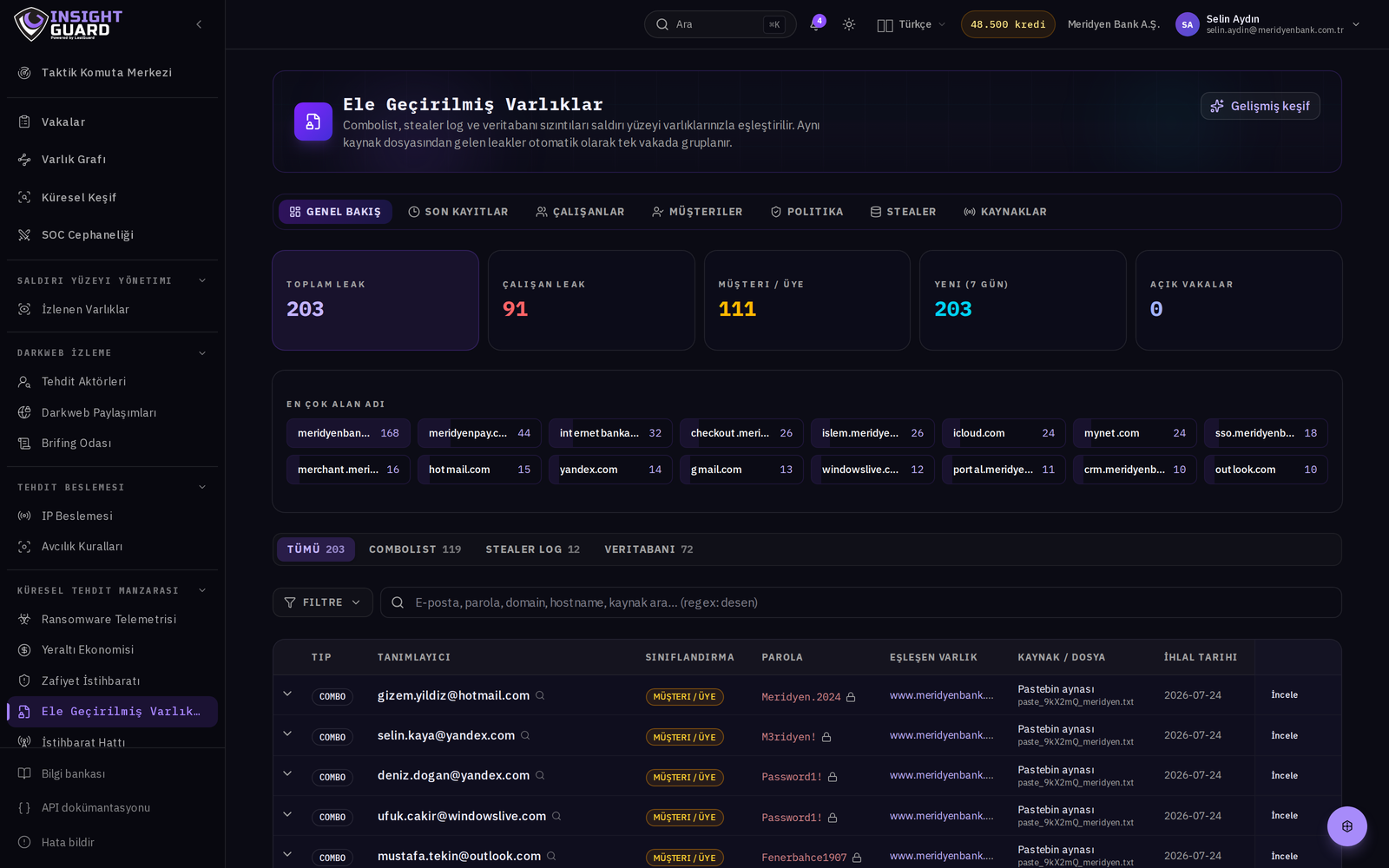
At first glance a stealer log line looks like a URL, a username and a password. In corporate triage the useful information usually sits in the fields around them.
What is in the line?
- URL — tells you which service the credential belongs to. This is where you make the corporate match.
- Username and password — plain text. Whether the password follows your policy hints at whether the record is corporate or personal.
- Machine information — hostname, operating system, country. Use it to group other records from the same machine.
- Date — infection time and publication time differ. Keep both.
Triage order
- Does the URL point to a corporate service? If not, the record goes to the "unrelated" bucket.
- Does the username exist in your directory? If so, open a case.
- Was a session cookie exfiltrated alongside it? If so a password reset alone is not enough; sessions must be revoked.
- Which other corporate services leaked from the same machine?
The common mistake
Resetting the password and closing the case. With a live session cookie the attacker does not need the password, and MFA does not re-engage because the session is already authenticated.